The instant camera that prints living memories.
Shoot. Develop. Write on the chin by hand. Every photo becomes a real Live Photo — hold the still, and the moment moves.
A camera with a soul, not a settings panel.
Photos that actually move
Develop into native iOS Live Photos with full metadata. Long-press in Photos to replay, or set one as a live lockscreen wallpaper.
You're in the memory too
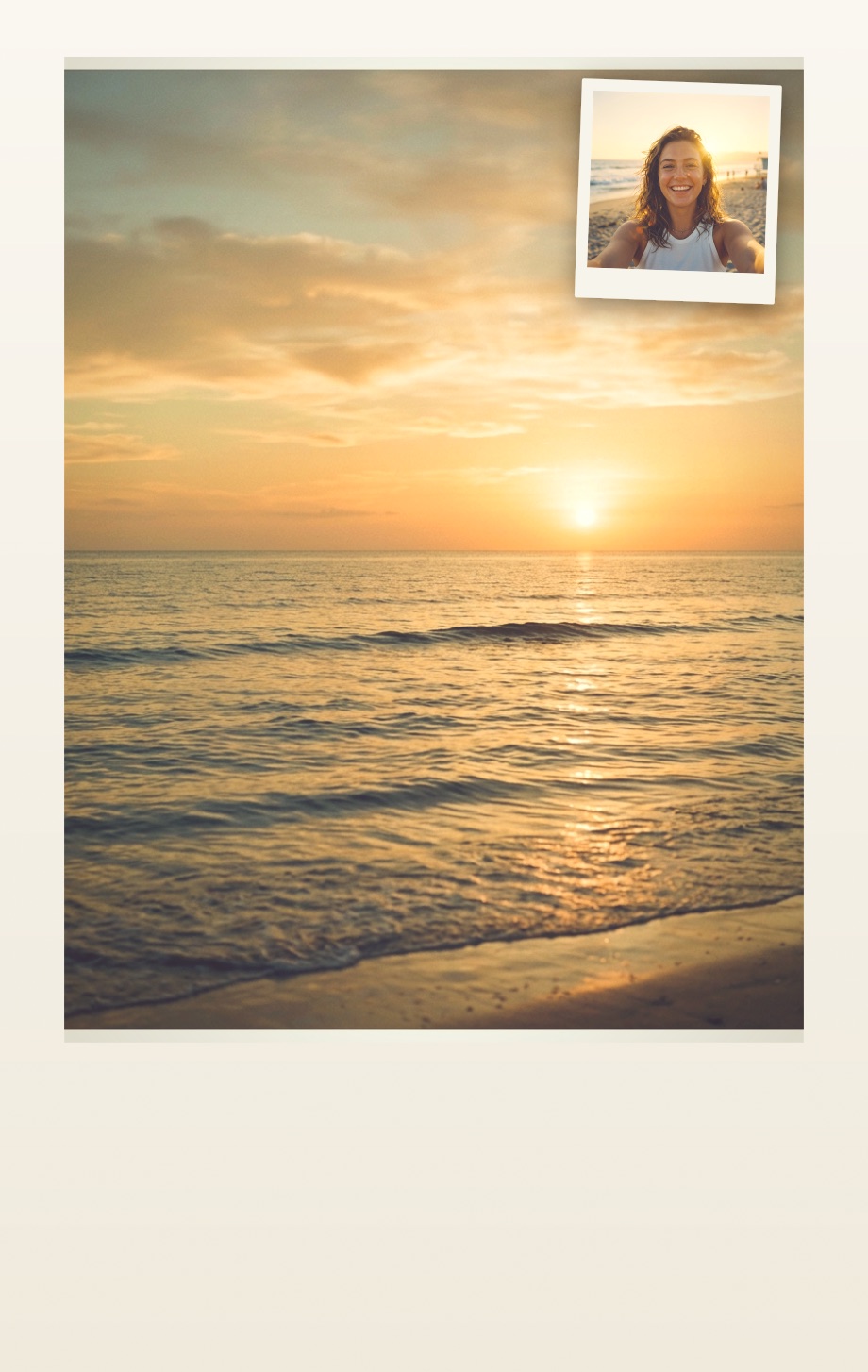
Front and back cameras fire in the same breath. The front-camera mini print lands right on your polaroid — both sides of the moment, one sheet.
The full ceremony
Eject the print, watch it develop under the safelight — shake to speed it up — then write the caption in your own hand with the date stamped in ink.
One camera, six chemistries.
Classic 600 · Instant Mini · Golden 200 · Portrait 400 · Silver 400 · Tungsten 800T — graded on-device, in real time.
 golden hourOCT 04 '26
 still lifeOCT 04 '26
 silver seaOCT 11 '26
Free to shoot. Once to live.
- The full camera — all six film stocks
- Darkroom develop ritual & shake-to-speed
- Hand-written captions & date stamps
- Unlimited 3024px print-ready stills
- Native Live Photo export
- Live lockscreen wallpapers
- Works across devices with your Apple ID
- No subscription. Ever.
Before you shoot
Which devices does it support?
LivingFilm is built for iPhone hardware — dual capture drives both cameras directly and needs a real device.
Do I need an account?
No sign-up, no login, no social feed. Open the app and you're holding the camera.
Where do my photos go?
Straight to your Camera Roll into a "Living Film" album. Everything is processed on-device — nothing is uploaded anywhere.
How do I restore my PRO purchase?
Settings → Restore Purchase (or the link on the paywall). It works on any device signed into the same Apple ID.
Questions, film requests, bug prints?
Write to us — a human reads every message.
support@xiaowei.fun